Cosmetics store app

Example: screens with demo data — this is how an app for your store can look.

Type
Mobile app
Status
Demo for stores
Stack
React Native, TypeScript, PostgreSQL

App screens

Shopper

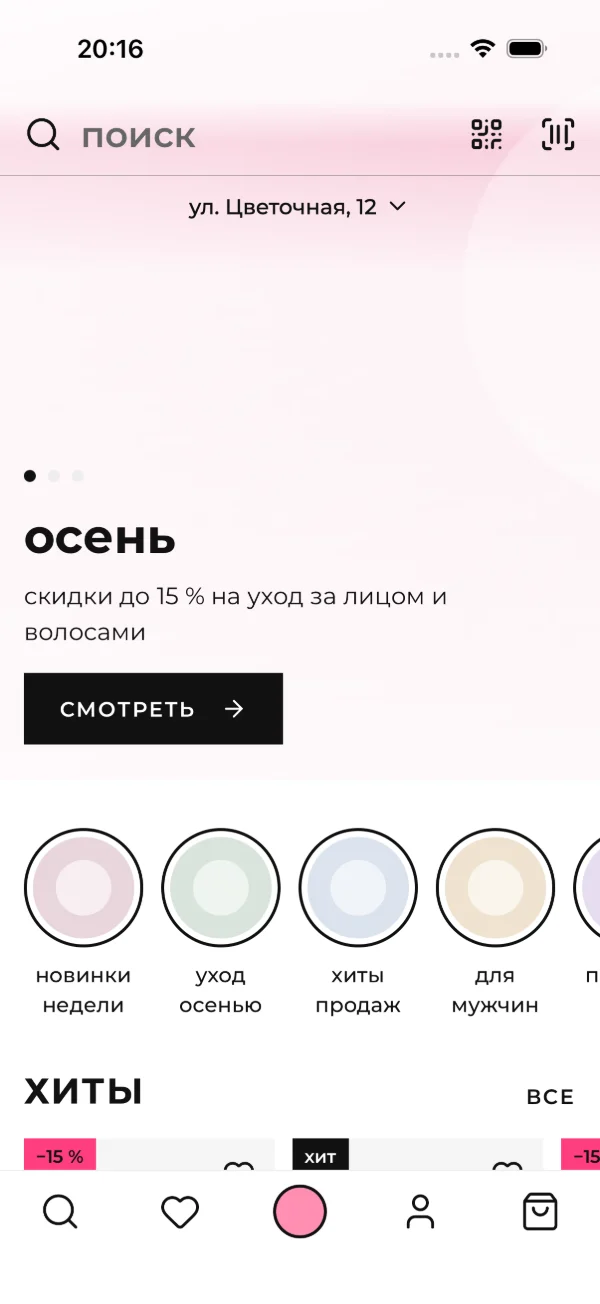
  1. Home screen of the cosmetics store app: an autumn sale banner, collections and best sellers
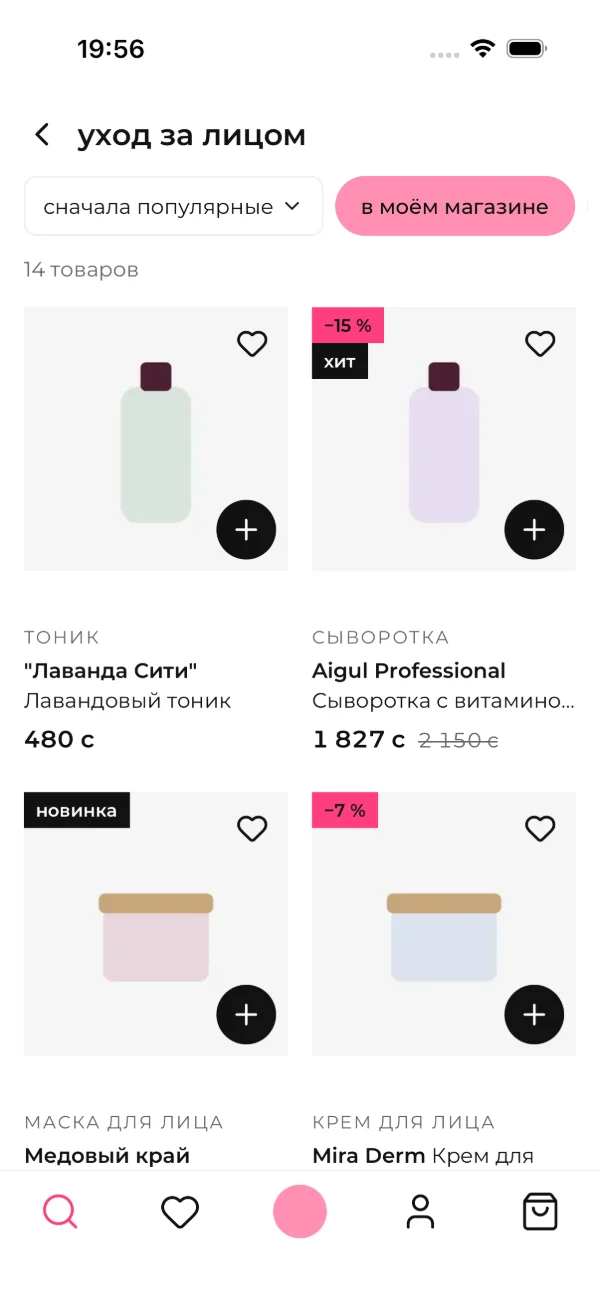
  2. Face care catalog: products with prices, discounts and an “add to cart” button
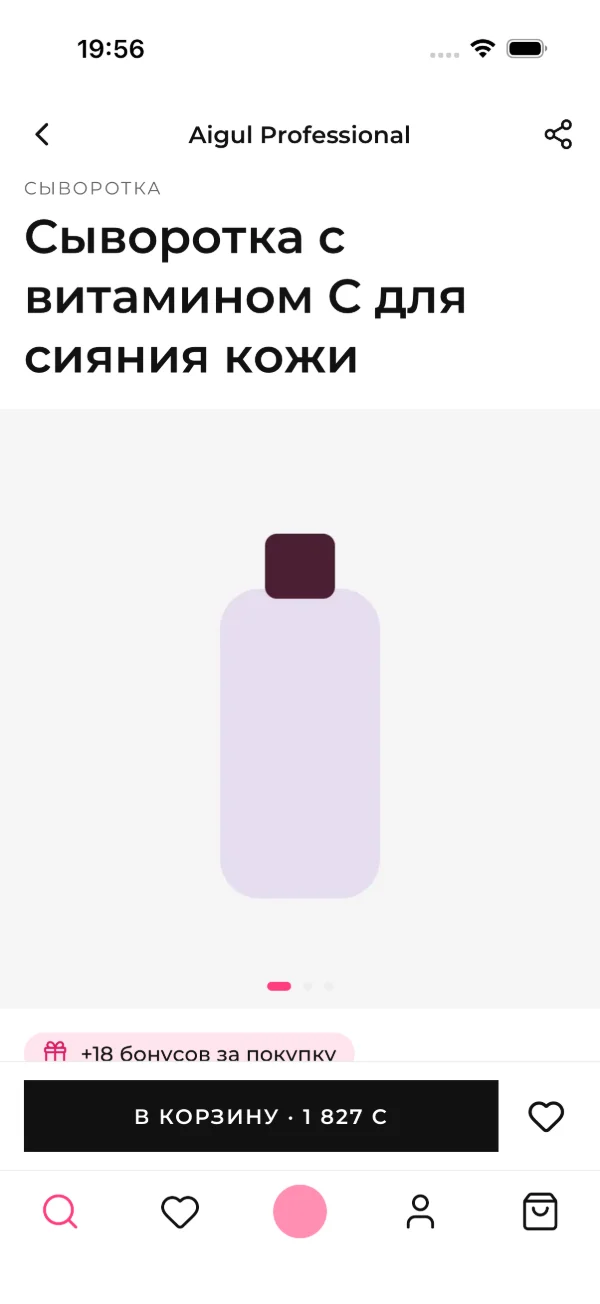
  3. Vitamin C serum page: photos, loyalty points for the purchase and an “add to cart” button with the price
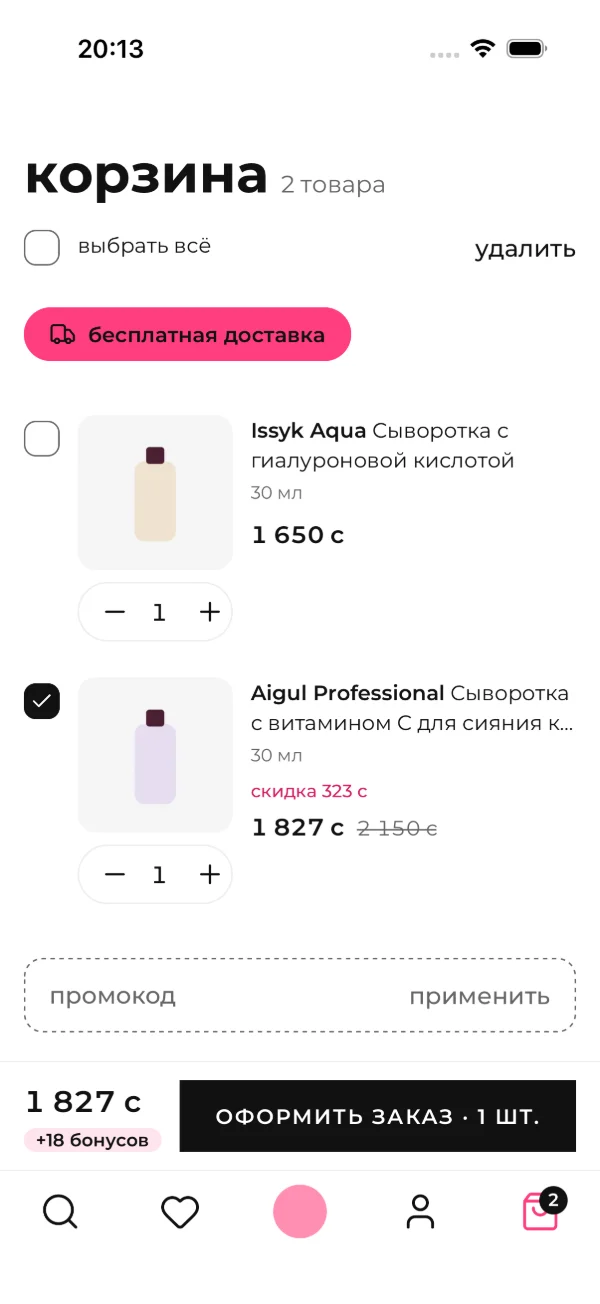
  4. Cart with two products, a promo code field and the order total with loyalty points
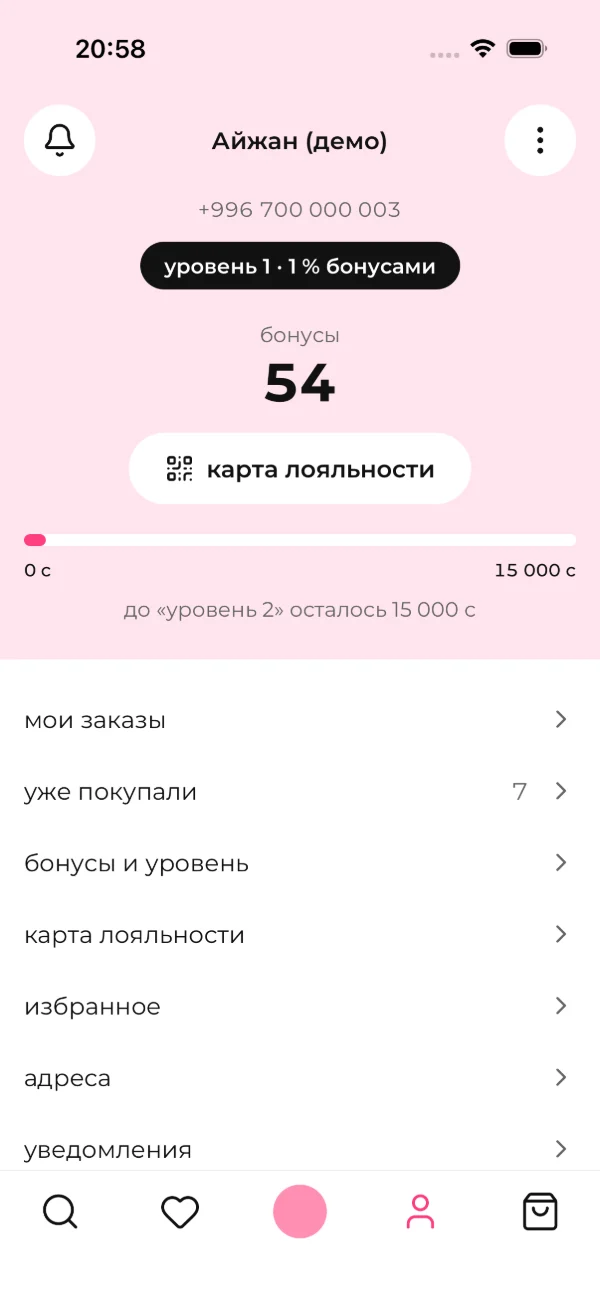
  5. Shopper profile: 54 loyalty points, the loyalty tier and a loyalty card button
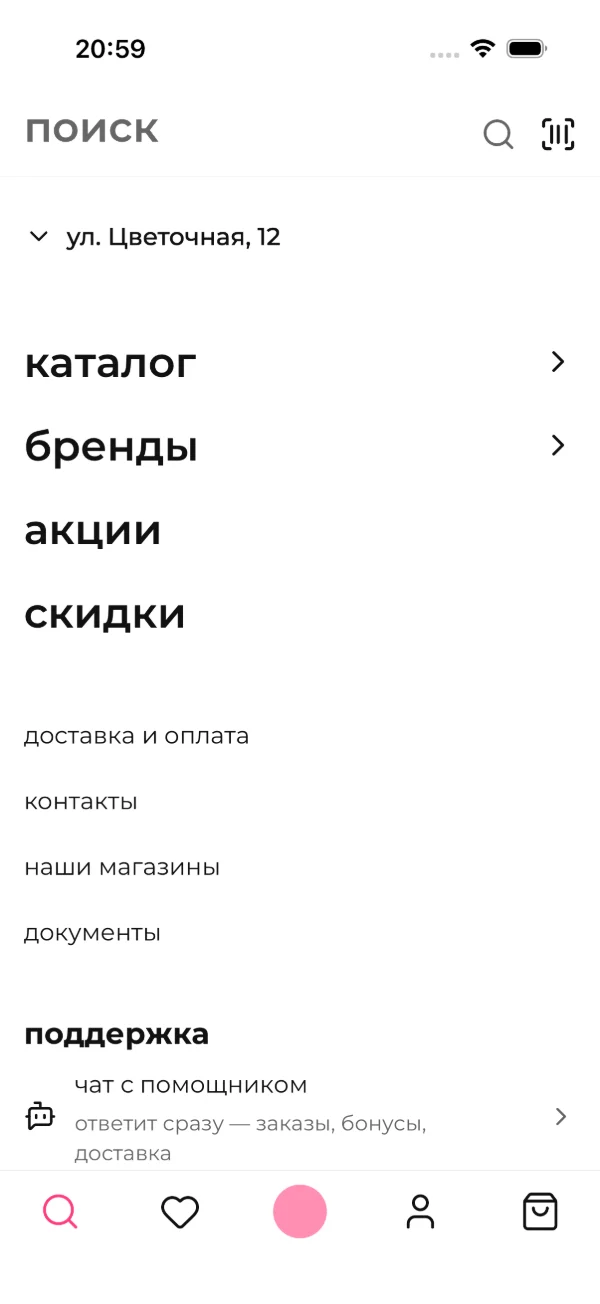
  6. Search screen with links to the catalog, brands, promotions, discounts and support

Home: promotions, collections and best sellers — the store is chosen at the top

Staff
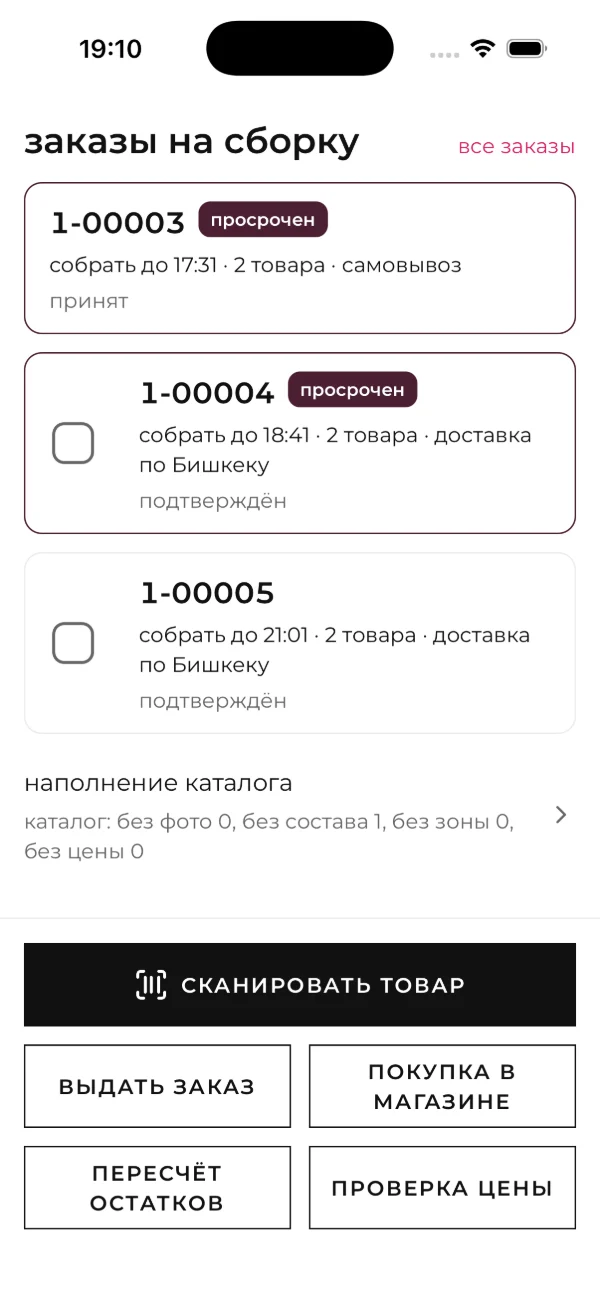
  1. Staff screen: a list of orders to pick with deadlines and “scan product” and “hand over order” buttons
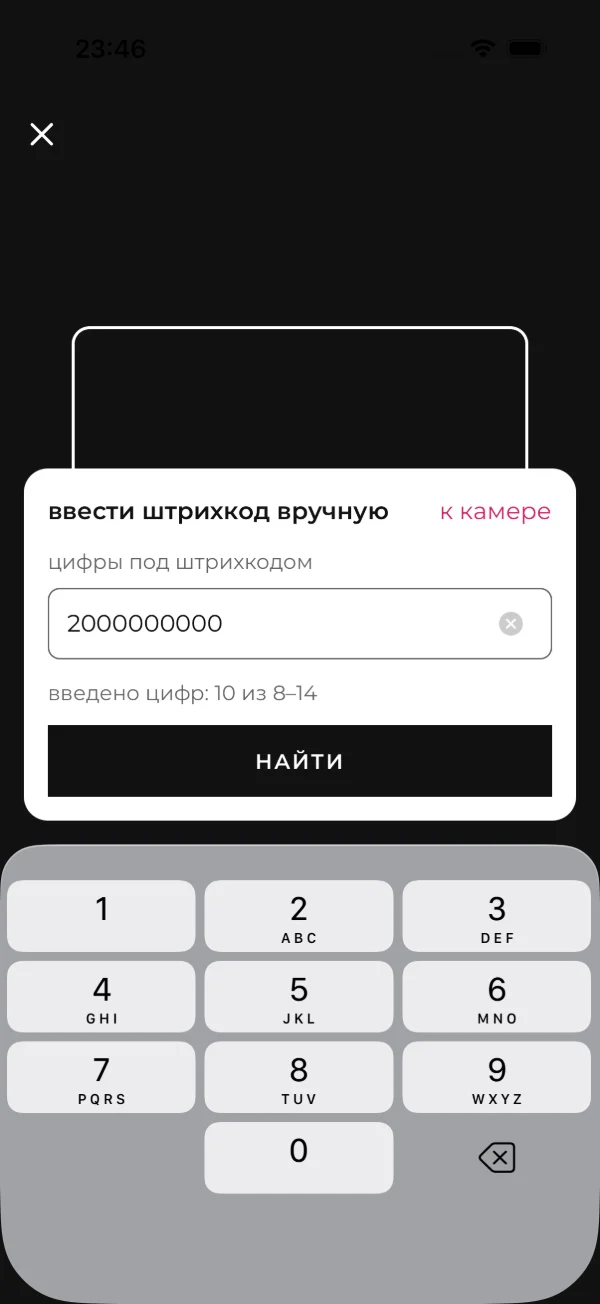
  2. Manual barcode entry window over the scanner camera
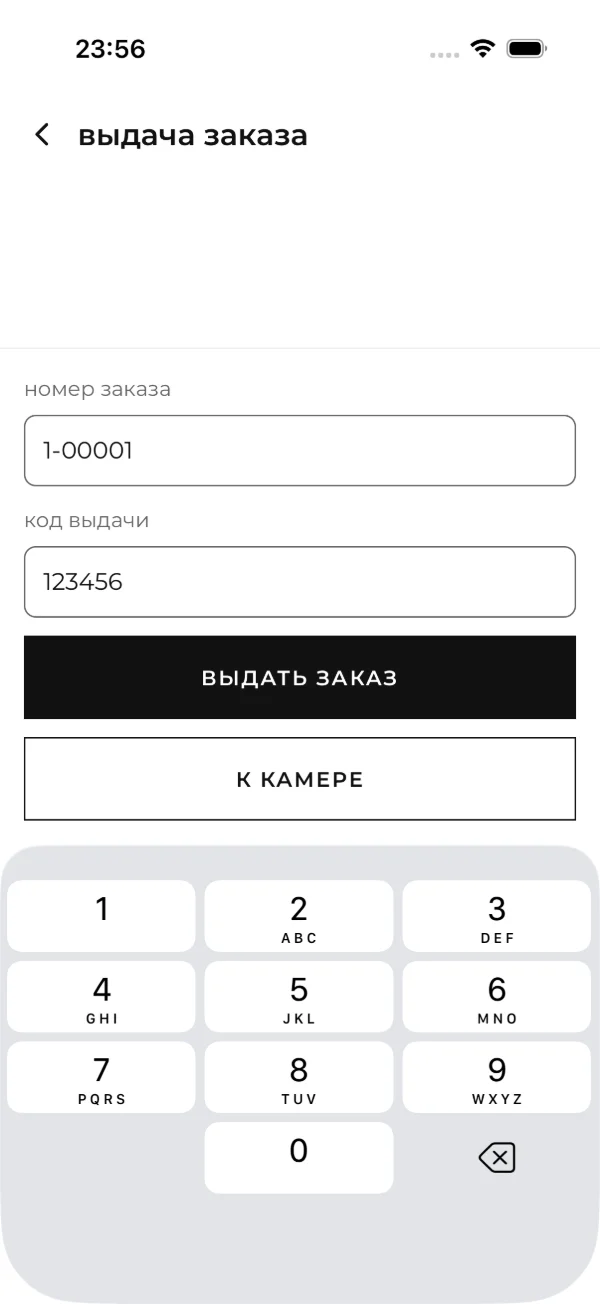
  3. Order handover screen: order number and handover code fields and a “hand over order” button

Staff shift: orders to pick, product scanner, handover and stock count

Owner
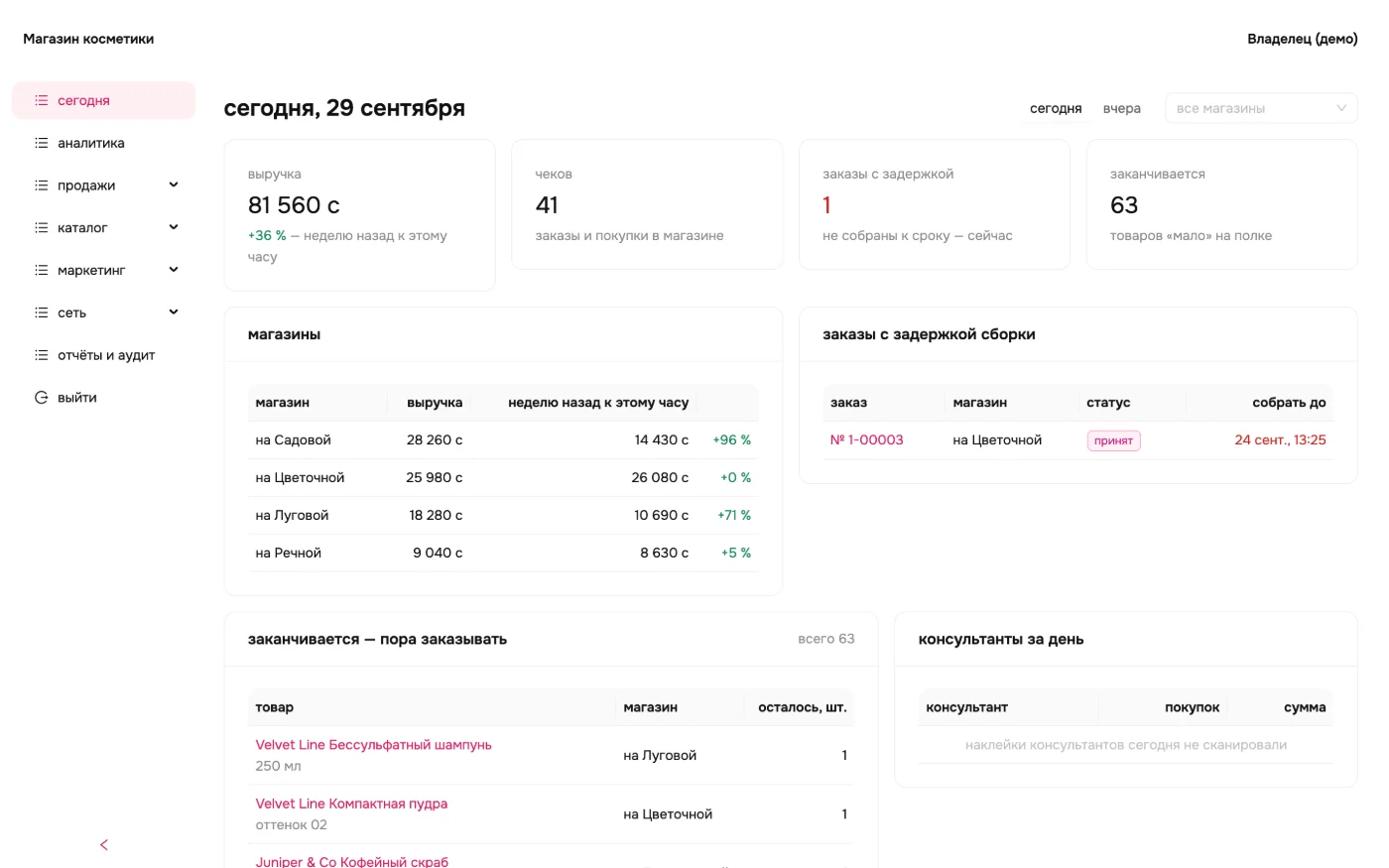
  1. Owner admin panel, “today” screen: revenue, receipts, delayed orders and a table by store
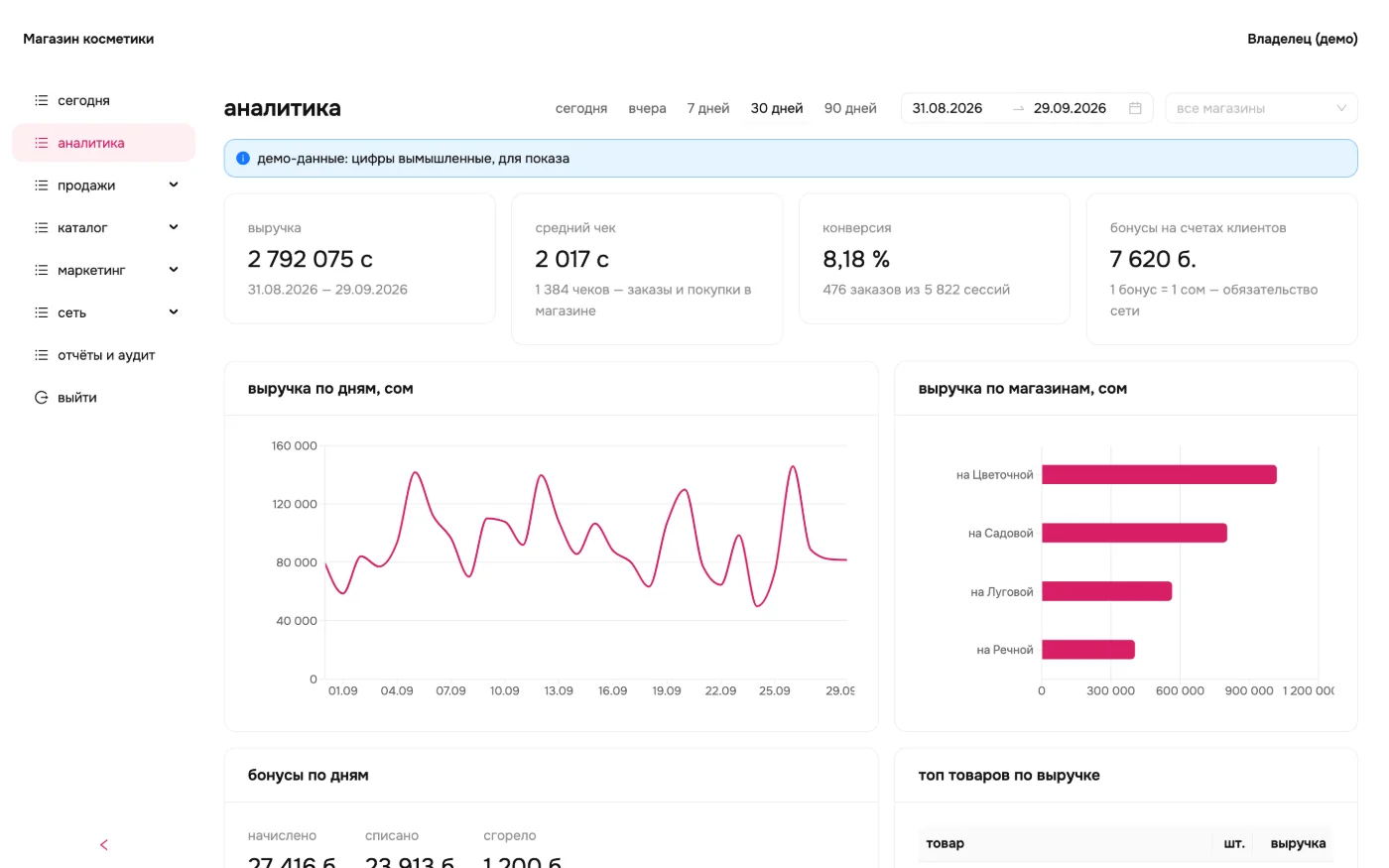
  2. Owner admin panel, “analytics” screen: a revenue chart by day and a store comparison

Today: revenue, receipts and delays for each store

Screens with demo data

The app interface is in Russian.

The task

Show how one app connects a store’s customers, staff, and owner: loyalty points, a catalog, staff workflows, and reports.

What we did

Screens from the three parts of the app: customers see the catalog with stock, place orders, and collect bonuses; staff have their own app; the owner gets an admin panel and analytics. All data on the screens is demo data.

The result

We build an app like this for your store: one app for iPhone and Android, with your catalog and loyalty program. An app like this starts at $2,000.